Use casesOctober 20, 20263 min read
Sales, Valentine's Day, Black Friday, Christmas: the four-step method to prepare your Shopify store for every sales peak, without improvising.
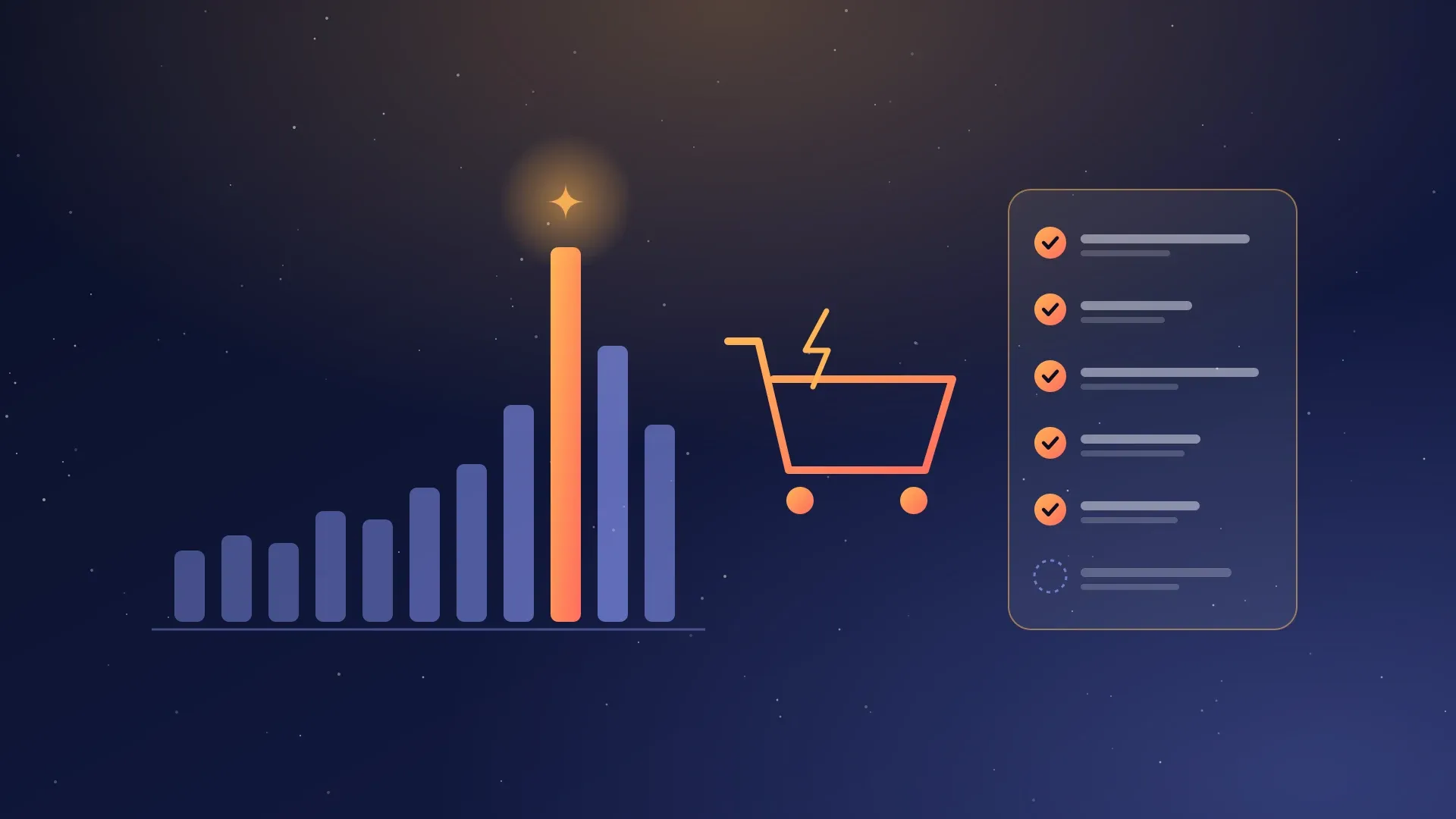
Sales, Valentine's Day, Mother's Day, Black Friday, Christmas: each peak season concentrates a significant share of the year's sales in just a few days. Traffic surges, customers compare, and every second of load time or payment friction costs orders.
The good news is that the preparation is almost always the same. Here is the method we follow with our Shopify clients, in four steps, whatever the event.
One month before: the store
Speed, especially on mobile
- Most traffic comes from phones: test on mobile first, on 4G, not just on the office Wi-Fi.
- Compress and resize images, limit autoplay videos.
- Clean up the apps installed for the previous campaign, and check that they haven't left code in the theme.
The offer
- A simple mechanic that the customer understands in a second: automatic discount, promo code, bundle, or gift from a purchase amount.
- The crossed-out price: in France, the reference price for a discount must be the lowest price charged in the previous 30 days. Anticipate your price changes so your promotions remain compliant.
- Scheduled discounts with a start and end date, tested one by one, including when they stack.
Stock and logistics
- A buffer stock on best sellers and low-stock alerts.
- Realistic delivery times, and an order cutoff date when the event depends on it (Christmas, Mother's Day).
- A carrier or logistics provider informed of the expected volumes.
Two weeks before: the checkout journey and customer service
- Express payments enabled (Apple Pay, Google Pay, Shop Pay) and checkout possible without creating an account.
- Shipping fees visible before the cart, free shipping threshold highlighted.
- An up-to-date FAQ (delivery, returns, exchanges, gift cards) and ready-made responses.
- An AI assistant can answer repetitive questions day and night and pass the rest to your team.
One week before: the campaign
- The event selection, as an automatic collection, and the offer page built with your theme's sections.
- Scheduled emails: announcement, launch, reminder, last chance.
- The product feed for Google Shopping and the ad audiences verified.
- A full test order the day before, from cart to confirmation email.
The big day and the day after
- A simple dashboard: sales, conversion rate, abandoned carts, stockouts.
- Someone available to fix a price, remove an out-of-stock product, or respond to an incident.
- After the event: abandoned cart follow-up, thank-you to new customers, removal of banners and discounts.
Building from one peak season to the next
That's where the difference over a year is made. After each event, note what worked: offers, emails, products, peak hours. Keep your sections, collections, and email templates. The next peak season is then prepared from what already exists, not from a blank page.
A concrete example: the Black Friday at the end of November is prepared with exactly the same method as the January sales that follow. Only the offer and visuals change.
Need an outside perspective?
We support brands on Shopify before their peak seasons: speed and checkout journey audit, promotion compliance, payment and shipping setup, automation implementation. Describe your needs in our simulator or write to us.
- #Shopify
- #E-commerce
- #Calendrier commercial
Keep reading

Use casesOctober 13, 2026
Build a Shopify store ready for every key moment of the year
A well-built Shopify store isn't just for launch day: it has to keep up with every key moment of the year. The steps to set it up.
Use casesSeptember 25, 2026
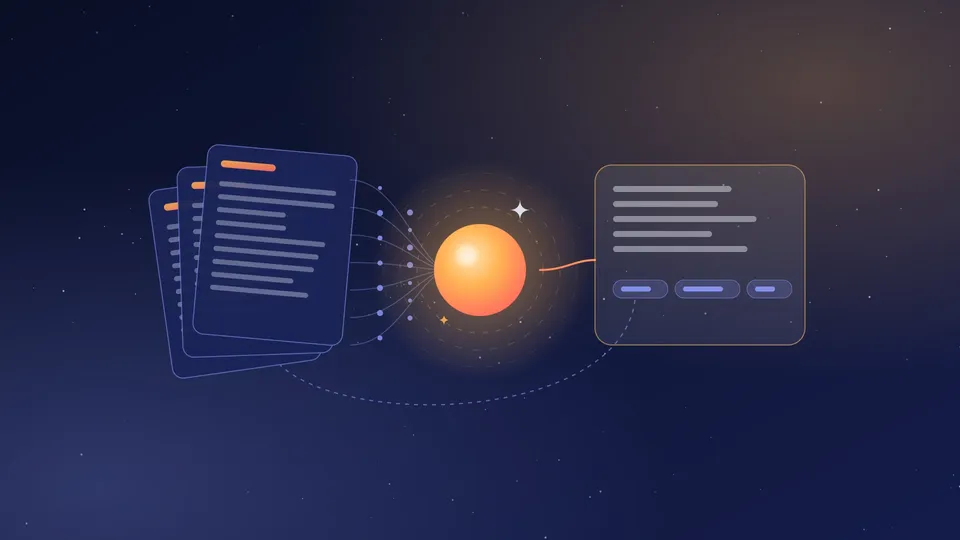
An AI assistant that truly knows your business
Generic chatbots make things up; RAG assistants cite their sources. How we design a reliable assistant connected to your documents.
Use casesAugust 14, 2026
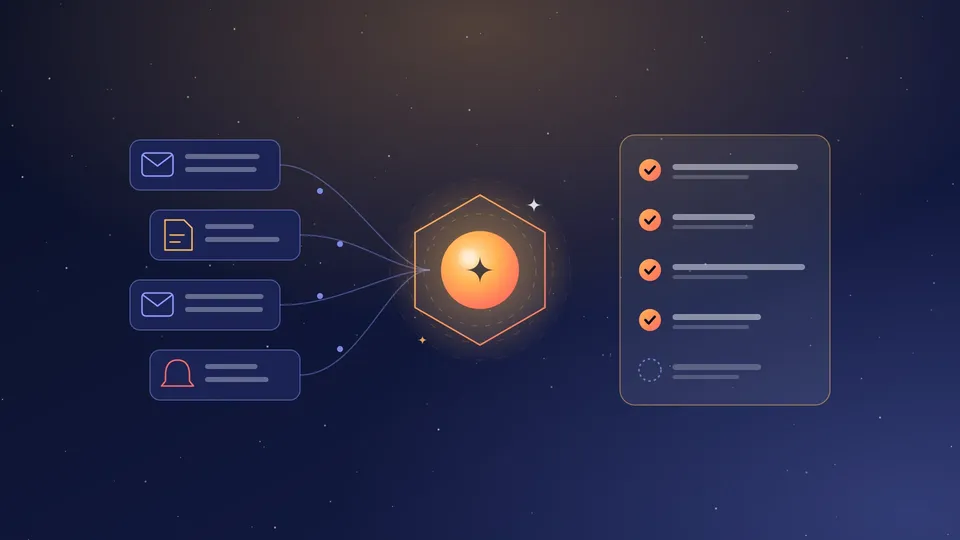
The augmented back-office: AI agents for repetitive tasks
Email triage, invoice extraction, follow-ups: how a well-scoped AI agent frees up hours every week without losing control.